
OccaviaDigital Invitations

Wedding QR Code Sign Ideas: What to Write, How to Print It, Where to Put It

A wedding QR code sign is a small printed card or poster that lets guests open a page with their phone camera, usually to upload their photos, find their seat or check the day's schedule. The signs that actually get scanned share four things: a clear headline, one line explaining what happens after scanning, a large high-contrast code, and a link that works without an app or a login. Below you'll find 12 copy-paste wordings, size and print rules, the best spots at the venue, when to announce it, and the small mistakes that leave a code ignored.

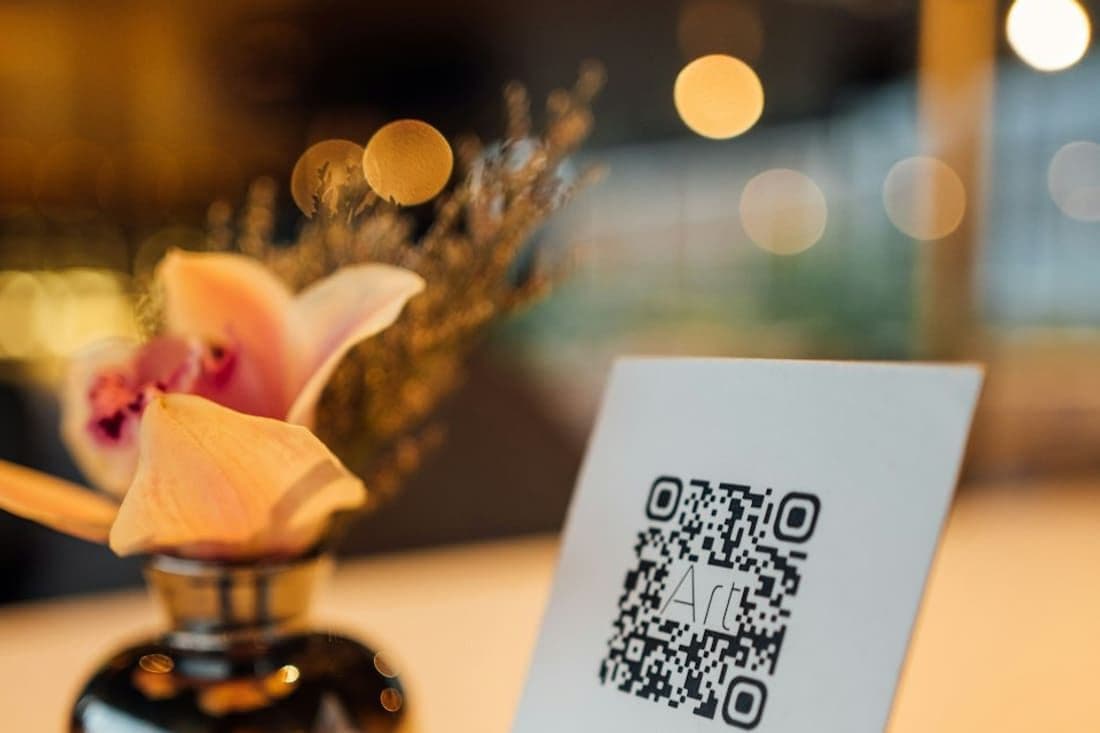
A QR code sign on a table beside a vase of flowers
On this page
  1. What a Wedding QR Code Sign Is For
  2. What to Put on a Wedding QR Code Sign
  3. Wedding QR Code Sign Wording: 12 Copy-Paste Ideas
  4. Wedding QR Code Signage: Size, Contrast and Print Rules
  5. Where to Put QR Codes at a Wedding
  6. Using a QR Code for the Seating Chart
  7. When to Announce the QR Code
  8. Common Wedding QR Code Sign Mistakes
  9. How to Make a QR Code for Wedding Photos With Occavia
  10. Frequently asked questions

What a Wedding QR Code Sign Is For

A QR code replaces a web address nobody wants to type while holding a glass of champagne. At a wedding, signs usually do one of five jobs:

  • Guest photo uploads: collecting the candid phone shots your photographer never sees, from getting-ready selfies to the last song.
  • Seat lookup: guests type their name and see their table, so the crowd around the seating chart thins out.
  • The invitation or schedule: ceremony time, dinner, speeches, the last shuttle. If your digital wedding invitation already holds the details, point the code there.
  • Registry or honeymoon fund: better on a discreet card by the gift table than on a giant easel.
  • Wi-Fi: useful at countryside venues with weak mobile signal, especially if you want photos uploaded during the party.

The golden rule is one sign, one job. A board with four codes makes people stop, squint and give up. If you need several, give each code its own card and headline, or at least a clear label underneath.

What to Put on a Wedding QR Code Sign

A good sign answers three questions in about five seconds: what is this, what do I do, and what happens next. Build it in this order:

  • A headline that names the benefit: "Share your photos" or "Find your seat".
  • One instruction: "Open your phone camera and point it at the code."
  • What to expect: "No app, no sign-up. Choose your photos and upload." Only promise this if it's true for the tool you use.
  • The code itself, large and centred, with plenty of white space around it.
  • A small fallback: a short web address, or "Having trouble? Ask at the bar."
  • Optional finishing touches: your names, the date or a monogram, so it matches the rest of your stationery.

A simple layout to adapt:

Capture the love Scan with your phone camera to share your photos and videos from today No app needed [QR code] [Name] & [Name] · [Date]

Keep the text under about 25 words. People read signs while walking, chatting and holding a drink, and every extra line lowers the chance they reach the code.

Wedding QR Code Sign Wording: 12 Copy-Paste Ideas

Mix and match headlines and sub-lines. For photo uploads, playful:

1. Paparazzi wanted! Scan the code and send us every photo you take today. Blurry ones welcome.

2. Be our wedding photographer We can't be everywhere, but your phone can. Scan to share your pics.

3. Snap it. Scan it. Share it. Help us see our wedding through your eyes.

4. Don't leave your photos in your camera roll Scan here and add them to our album.

Elegant:

5. Help us capture our day Kindly share your photographs and videos by scanning below.

6. Through your eyes Every moment you capture becomes part of our story. Scan to share.

7. With love, from your lens Please share your photos from the wedding of [Name] & [Name].

Short, for table cards and stickers:

8. Took a great shot? Scan to share.

9. Your photos, our memories. Scan me.

For other jobs:

10. Find your seat Scan, type your name and we'll show you your table.

11. Lost track of the plan? Scan for today's timings, the menu and directions.

12. Your presence is our greatest gift If you'd like to give something more, scan for our registry.

Bonus for the Wi-Fi card: No signal, no selfies Network: [Network name] Password: [Password] Or scan to join

Wedding QR Code Signage: Size, Contrast and Print Rules

Most scanning problems are really design problems, and they show up in a dim reception room, not on your laptop screen.

  • Size: make the code at least about 3 cm (1.2 in) across for table cards scanned up close. For anything read from further away, go bigger. A common rule of thumb is a code roughly one tenth of the scanning distance, so around 10 cm (4 in) for a sign people scan from a metre away.
  • Contrast: dark code on a light background. Black on white, navy on cream or forest green on ivory all work. Pale gold on blush, light codes on dark backgrounds and gradients are the usual troublemakers.
  • Quiet zone: leave a clear margin around the code, roughly four of its small squares wide. Don't let florals, frames or text touch the edges.
  • Sharp edges: resize proportionally, never stretch, and use a vector file. Our free QR code generator downloads PNG or SVG, and SVG stays crisp at any print size.
  • Paper: matte or uncoated card. Glossy prints, acrylic and mirror signs throw glare under spotlights and phone flash.

Then test. Print one proof at the real size and scan it with at least three different phones, including an older one, in dim evening light. If any phone hesitates, go bigger or darker before printing the full set.

Where to Put QR Codes at a Wedding

Put codes where guests already have their phones in hand and a moment to spare:

  • Entrance or welcome sign: the first thing everyone sees. Good for the schedule or seat lookup.
  • Beside the seating chart: a seat lookup code gives the crowd a second way to find their table.
  • The bar: people queue with their phones out anyway.
  • Every table: a small framed card or a sticker on the table number. This is the best spot for photo uploads, because seated guests scroll through what they've shot and have time to share.
  • Photo corner or booth backdrop: right where the pictures are taken.
  • Dance-floor edge: on a high table where people catch their breath between songs.
  • Restrooms: a small card beside the mirror (not on it, because of glare), with a cheeky line such as "Looking good. Now share the photos."
  • Favours table or exit: a last reminder as people head home.

How many? For photo sharing, one code per table plus two or three larger signs in the busiest spots is a good starting point. Mount signs around chest height, and put table cards where they won't disappear behind glasses and centrepieces.

Using a QR Code for the Seating Chart

A seat lookup code is a small thing that makes arrivals much calmer. Instead of fifty people crowding a board looking for their surname, each guest scans, types their name and sees their table number on their own phone. It also helps when the table plan changes the night before, since you update a page instead of reprinting a poster.

Keep a paper backup all the same. Some older relatives won't scan anything, phones run out of battery and venue signal can drop. A printed chart or an alphabetical list at the entrance, with the QR code beside it, covers everyone. Place the seat code at the entrance and at the drinks reception, because that's where people start wondering where they're sitting.

If you're still deciding who sits with whom, our step-by-step guide on how to make a wedding seating chart walks you through it.

When to Announce the QR Code

A sign on its own gets noticed by the people who were going to share anyway. A spoken reminder reaches everyone else. Ask your MC, DJ or a confident friend to mention it at two or three natural moments: after the welcome, once everyone is seated for dinner, and after the first dance, when phones are full of new footage.

A 15-second script:

"A quick favour from [Name] and [Name]: there's a QR code on every table. Point your phone camera at it and share the photos and videos you've taken today. No app needed. They'd love to see the day through your eyes."

You can prime guests before the wedding too: mention the code in your day-before message, or add a line to the schedule on your invitation. And the morning after, send a thank-you message with the same link to catch the photos that only surface once everyone is home.

Common Wedding QR Code Sign Mistakes

Most codes that fail trip over the same handful of slips:

  • A link that needs an app download or an account. Plenty of guests give up at the first sign-up screen, especially older ones.
  • Low contrast or glare. Foil, pastel codes and glossy acrylic look lovely and scan badly under spotlights.
  • Too small for the distance. A 3 cm code on an easel across the room is decoration, not a link.
  • Pointing at the wrong page: a draft, a preview or a test link you later replaced. Scan the final printed signs the week before, not just the file.
  • Codes from free trials. Some generators route your code through their own service and stop redirecting when the trial ends. A code that points straight at your link avoids that scare.
  • No instructions. A bare code without a headline gets ignored, because nobody knows what it's for.
  • No plan for weak signal. If the venue is a mobile dead zone, print the Wi-Fi details next to the code.

How to Make a QR Code for Wedding Photos With Occavia

If you're using an Occavia invitation, you don't need to create the photo code yourself. Every invitation comes with a guest photo link that has its own QR code. Guests scan it with their phone camera and upload photos and videos from the browser, with no app and no account. They can pick several files at once, and large files and videos are fine. The guest photo sharing page has the details.

From your dashboard you can download that QR code as an SVG image and place it on your own sign, table card or frame. Or print the ready-made A4 photo poster: it shows your names, the date, the QR code and a short "scan to share a photo" caption, and its accent colour follows your invitation. It prints from your browser, and you can save it as a PDF from the print dialog. A small Occavia credit is printed on it. If you turn on Find your seat, you also get a seat lookup QR code, which you can download as an image or print on its own A4 poster in one of three designs: Navy & gold, Wine classic or Cream elegant.

On the day, you stay in control. You can pause uploads at any time (the page then tells guests uploads are paused) and approve photos before they appear. The album is private by default, so guests who scan see their own uploads, not everyone's, unless you choose to make it public. If you like keeping shots under wraps until after the wedding, read about the digital disposable camera approach.

One last tip: the posters only work once your invitation is published, so publish first, then print and test.

Frequently asked questions

How big should a QR code be on a wedding sign?

For table cards and anything scanned up close, make the code at least about 3 cm (1.2 in) across. For signs scanned from further away, scale up: a common rule of thumb is roughly one tenth of the scanning distance, so about 10 cm (4 in) for a sign read from a metre away. Leave a clear margin around the code, print on matte card and test a proof with several phones.

What should a wedding QR code sign say?

Keep it to a headline, one instruction and what happens next. For example: "Share your photos. Scan with your phone camera to upload your pictures and videos from today. No app needed." Add your names and date if you want it to match your stationery, plus a short fallback such as a web address. Aim for under about 25 words so guests reach the code before they lose interest.

How do I make a QR code for wedding photos?

Start with an upload link that works in the phone browser without an app or login. Turn that link into a QR code with a generator, download it as SVG or a high-resolution PNG, and place it on a simple sign with a clear headline. Print a proof and scan it with several phones. With an Occavia invitation, the guest photo link already has its own QR code you can download from the dashboard.

Can guests see everyone's photos after scanning the wedding QR code?

It depends on the tool. Some albums are open to anyone with the link, others are private to the couple. On Occavia the album is private by default, so guests who scan see their own uploads rather than everyone's, unless the couple chooses to make the album public. Whichever you pick, say so when you announce the code, so guests know what to expect.

Do we still need a printed seating chart if we use a QR code?

It's wise to keep one. A seat lookup code is faster for most guests, but some older relatives prefer not to scan, phones run out of battery and venue signal can drop. A simple printed chart or alphabetical list at the entrance, with the QR code beside it, covers everyone and saves venue staff from a queue of people asking where they're sitting.

Create your invitation