Everything one invitation link does
An Occavia invitation is more than a beautiful page — the same link collects RSVPs, gathers every guest’s photos, keeps their wishes, and speaks each guest’s language. These are the features, each explained in detail.
How one link carries all of it
Every Occavia invitation is one web page at its own address. The same link that shows your names and the date also collects the replies, gathers the photos guests take on the day, keeps their written and spoken wishes, and switches language for whoever opens it. Nothing is bolted on afterwards and nothing is billed separately.
That is why the features below are not add-ons. Online RSVP and your guest list sit in the same dashboard, the guest photo wall and the digital guestbook open from the same QR poster, and up to three languages travel with the invitation wherever you send it. One price covers all of them, for as many guests as you invite.
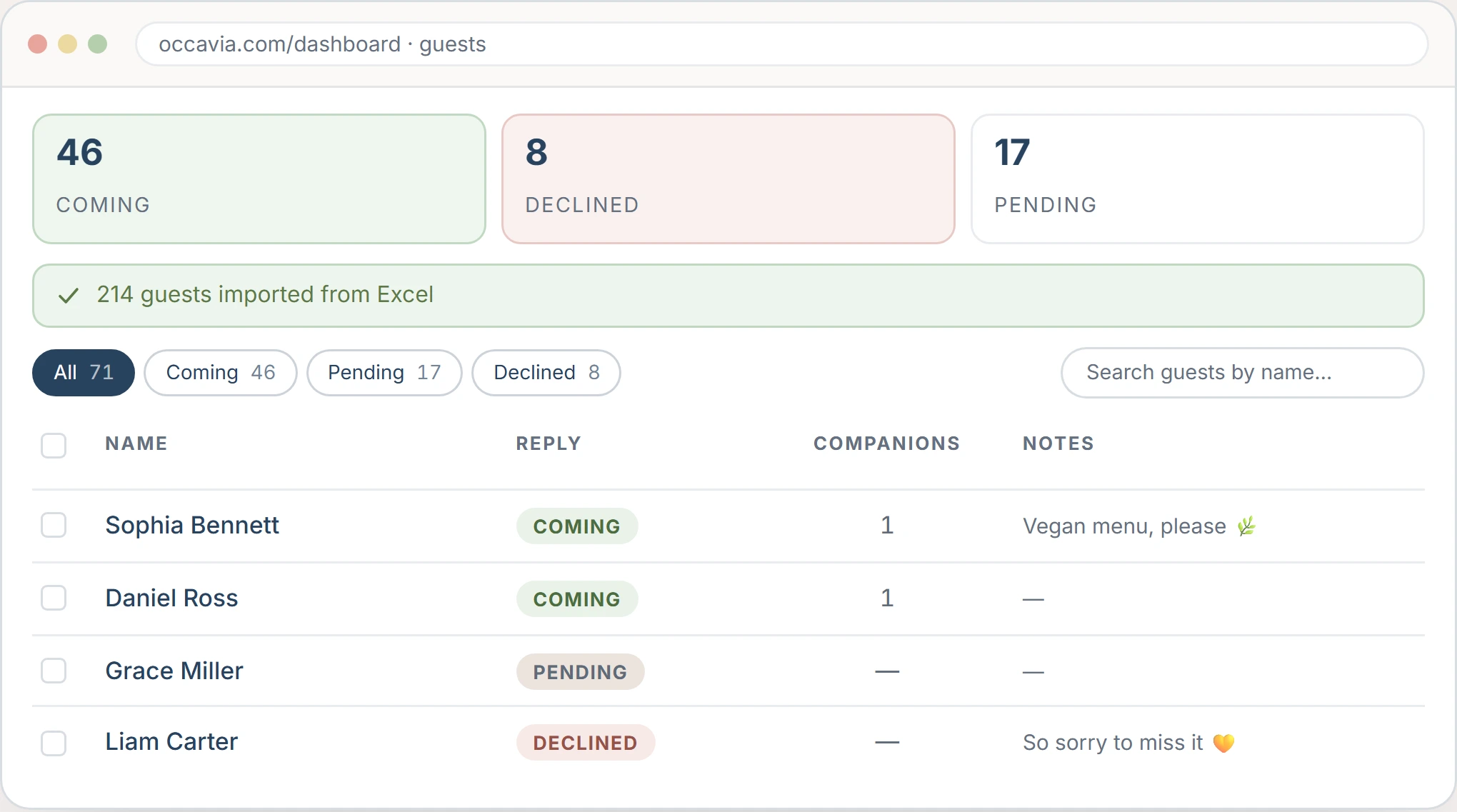
Online wedding RSVP, built into your invitation
Online wedding RSVP built into your invitation: guests reply in one tap with party size and dietary needs, no app or account. Headcount updates live.
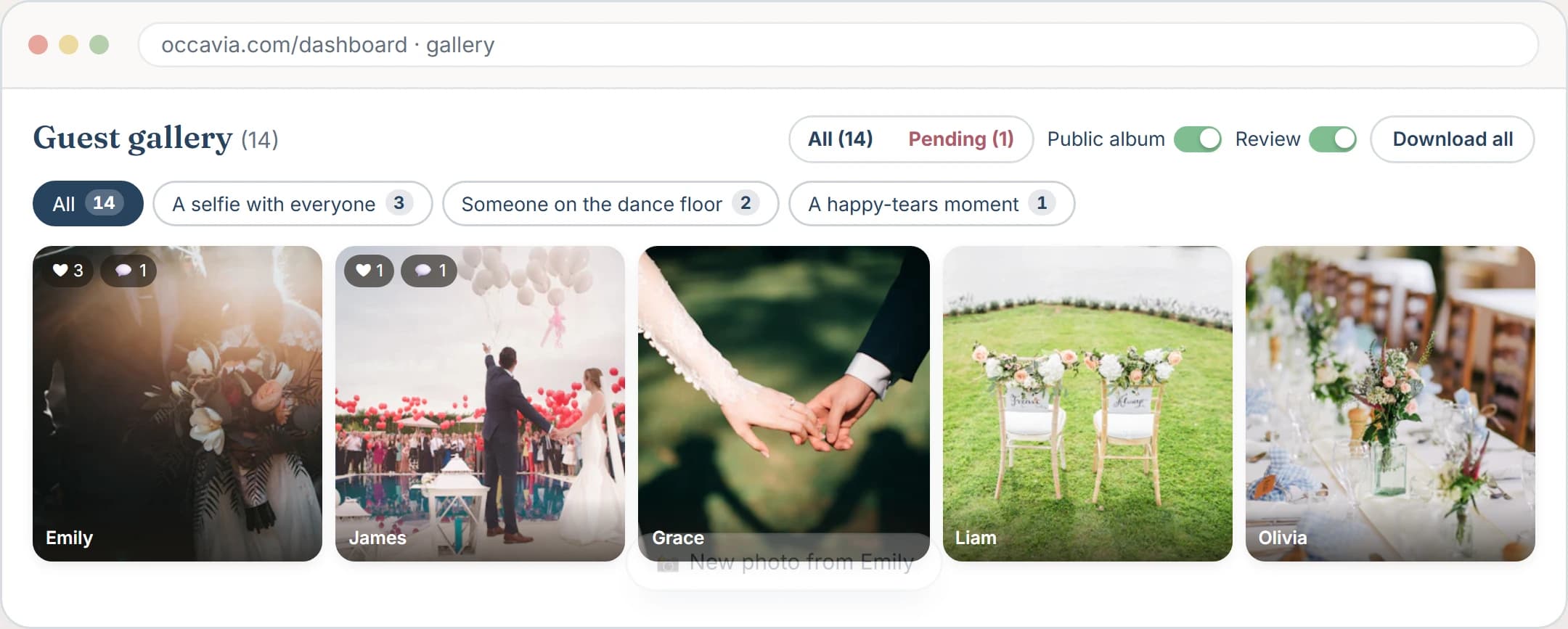
Wedding Photo Sharing — Collect Every Guest's Photos in One Place
Collect every photo your wedding guests take in one album: they scan a QR code and upload from their phones, no app. Built into every invitation.
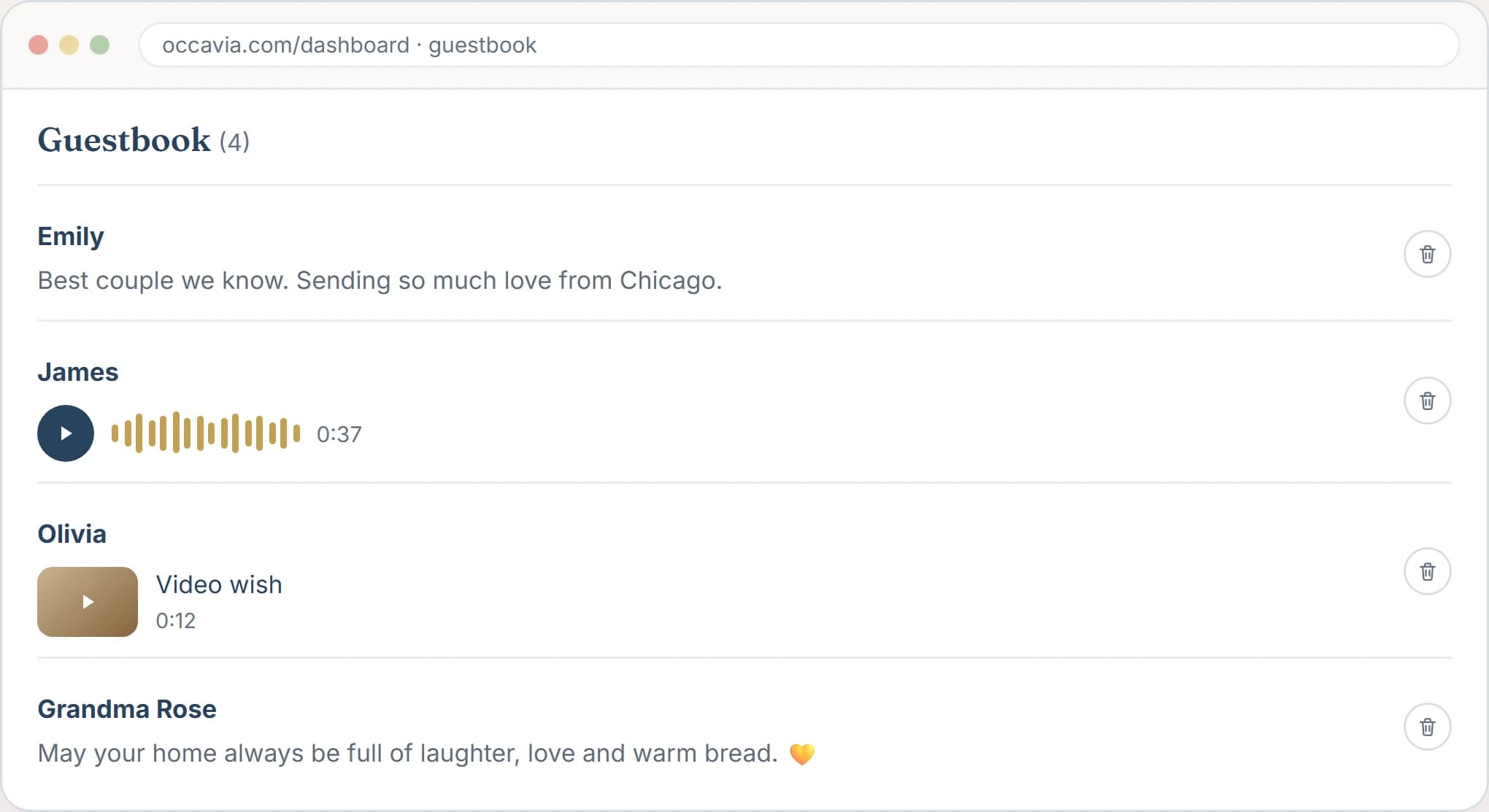
A digital wedding guestbook, built into your invitation
A digital wedding guestbook built into your invitation link: guests leave written, voice or video wishes from any phone, private to you. No app.
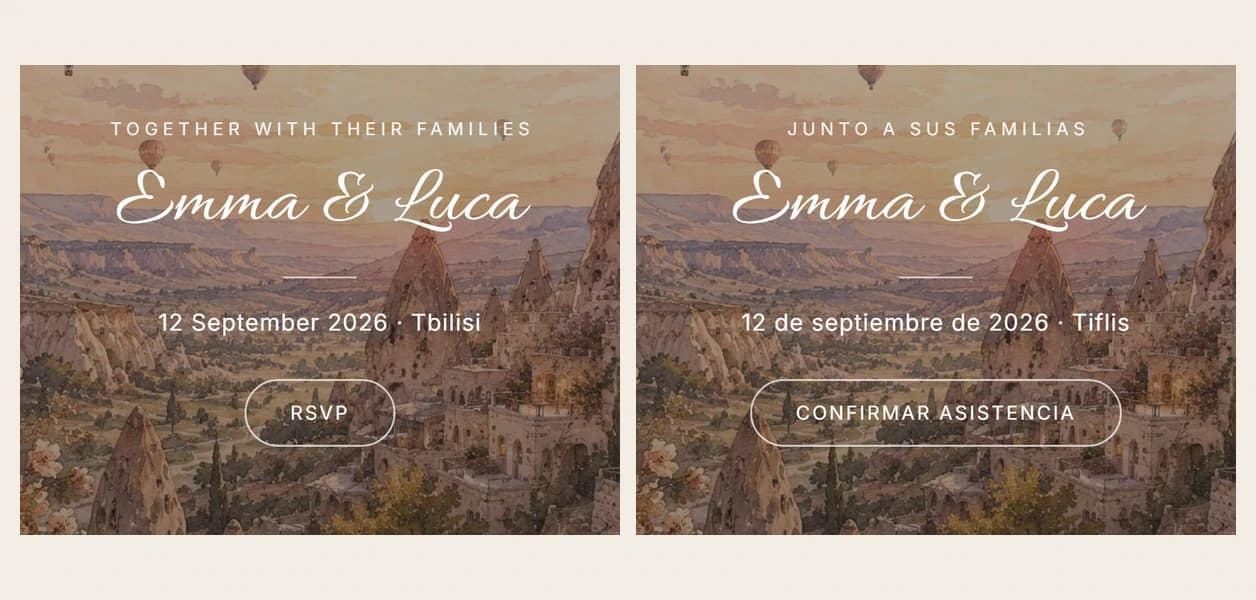
Bilingual and multilingual wedding invitations on one link
Multilingual wedding invitations on one link: up to 3 languages, RSVP form in each guest's language. Included with every Occavia invitation.
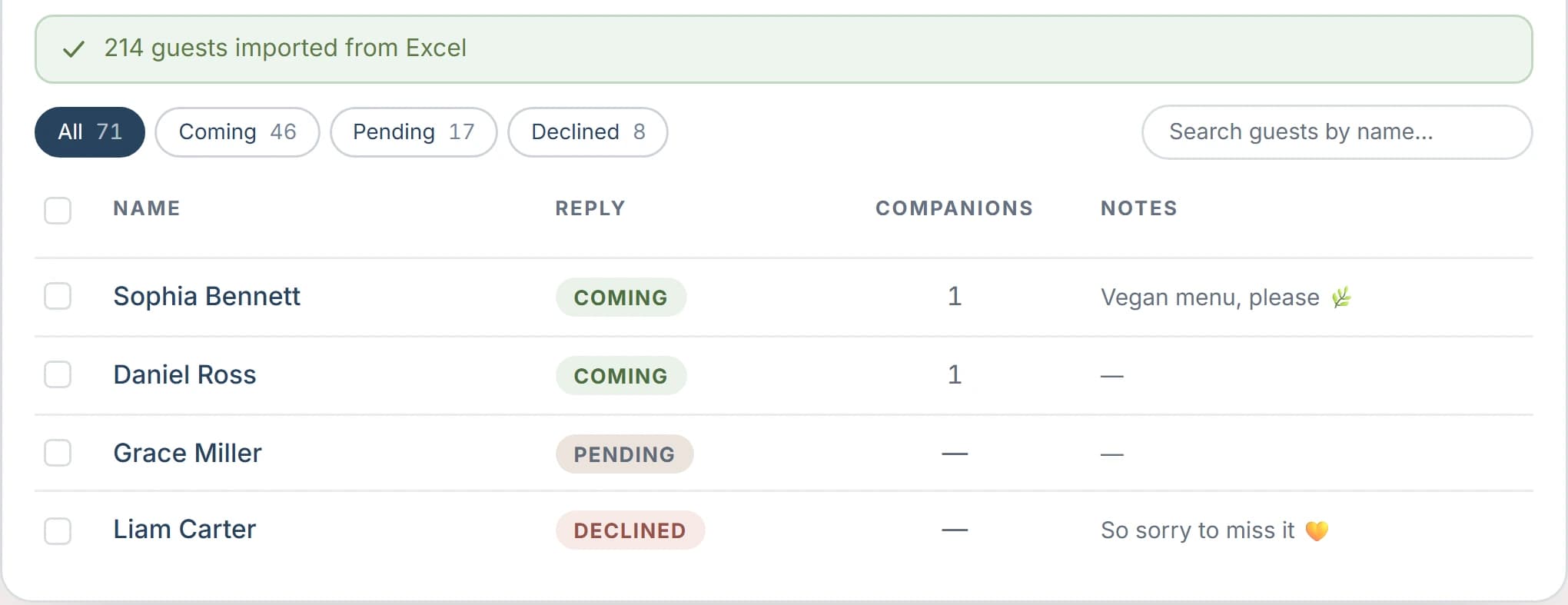
Guest list import from Excel and Google Sheets
Bring your list in from Excel, Google Sheets, Numbers or a CSV file — or simply paste the rows — review them before saving, and every reply attaches itself to the right name.
Everything else that comes with it
The four pages above are the ones people search for by name. These come with the same invitation, at the same one-off price.
Seating plan
Set up your tables and seat each party, and guests look up their table by name on the invitation or from a QR code at the entrance.
Printable QR posters
Print a ready-made A4 poster, or download the QR code for your own sign, and guests land on the photo upload or the table lookup.
Big-screen live view
Open one link on a projector or TV and guest photos join the slideshow as they are uploaded.
Reminders you send yourself
See who has not replied and send each of them a WhatsApp nudge from your own phone, in one tap, at no cost.
Co-hosts
Give a parent, a planner or your partner their own access to the guest list, seating and photos, without sharing your login.
Photo moderation and reveal
Approve uploads before anyone sees them, pause new ones, or keep the album hidden until a moment you choose.
Voice and video wishes
Guests can leave a spoken or filmed message as well as a written one, and other guests never see them.
Free design edits
Ask us for a change the editor cannot make and we make it, usually within one to two business days.
Frequently asked questions
What is included with every Occavia invitation?
RSVP with your guest list, the guest photo wall, the digital guestbook, up to three languages and the printable QR poster — all of it in one payment, for as many guests as you invite. There is no subscription and no per-guest fee.
Do guests need an app or an account?
No. The invitation, the RSVP form, the photo upload and the guestbook all open in the browser guests already have, on any phone or laptop. They need nothing but the link.
Can I import my guest list?
Yes. Bring it in from Excel, Google Sheets, Numbers or a CSV file, or simply paste the rows, and review them before saving. Replies then attach themselves to the names on your list automatically.
How many languages can one invitation have?
Up to three, chosen from 72. Guests switch with one tap. The RSVP form and the buttons are translated in 13 of those languages; in any other, your own wording shows and the form stays in English.
Can I change the invitation after sending it?
Yes. Edit any detail in your dashboard and the published link updates in place, so guests keep the link they already have.